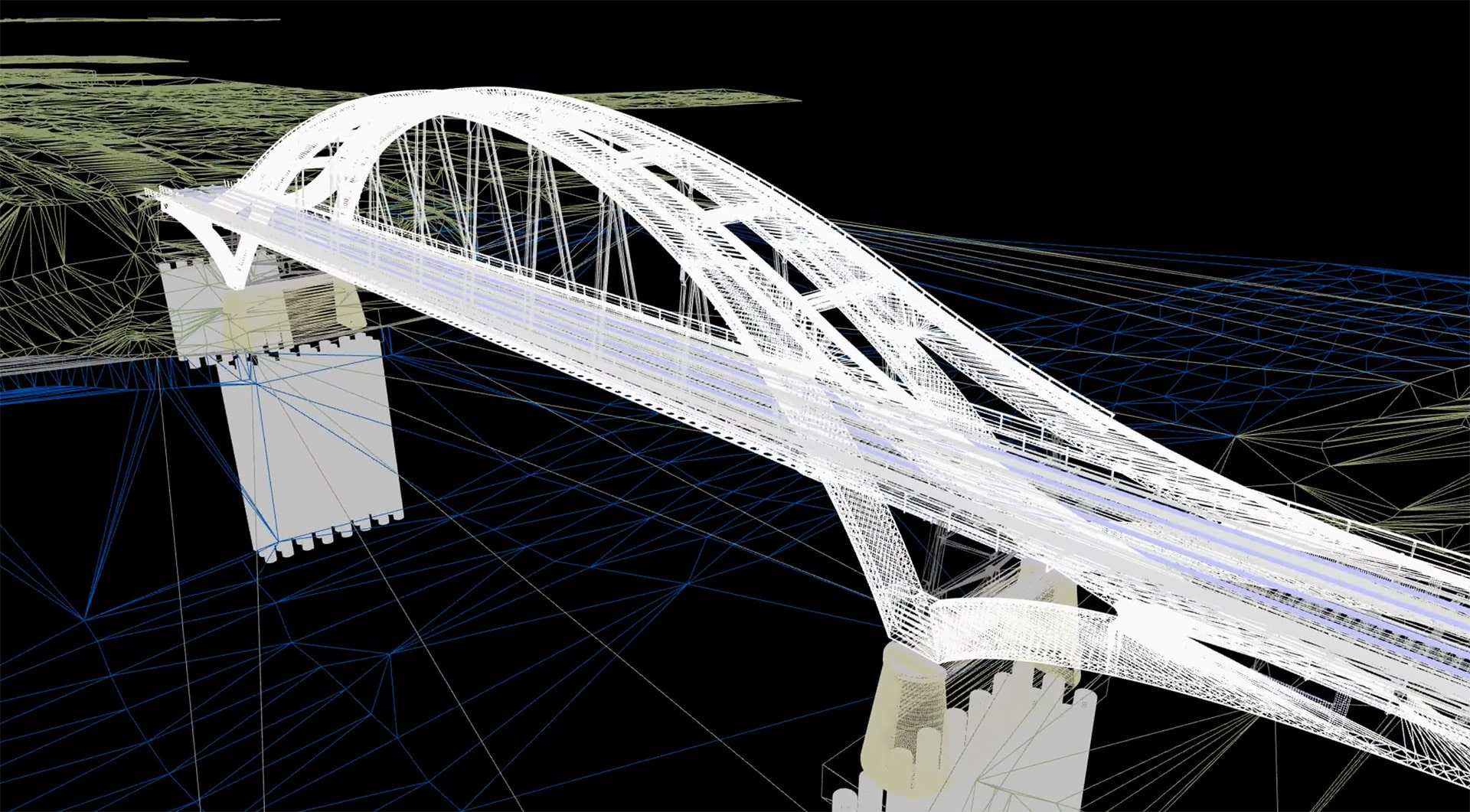
Diese Schulungsserie richtet sich an Revit-Anwender, die bereits einige Erfahrung mit Revit Bewehrung sammeln konnten oder unsere Grundlagenschulung besucht haben.
Goal
Ziel dieser Schulung ist es, den Teilnehmern tiefergehende Einblicke in die Bewehrungsfunktionen mit SOFiSTiK Reinforcement, dem SOFiSTiK Bridge & Infrastructure Modeler und Dynamo zu geben und so Bewehrung noch effizienter zu modellieren.
Die Schulung ist dabei in einzelne Themenbereiche aufgeteilt, die je nach Bedarf jeweils einzeln oder als Gesamtpaket gebucht werden können.
Dates
| date | Time of day | Duration | Fees | Thema | |
| 22.06.2026 | 9:30 – 11:00 Uhr | 1 x 1,5h | 199,-€ | Änderungsworkflow | Anmeldung |
| 29.06.2026 | 9:30 – 11:00 Uhr | 1 x 1,5h | 199,-€ | Bewehrungsvorlagen erstellen | Anmeldung |
| 06.07.2026 | 9:30 – 11:00 Uhr | 1 x 1,5h | 199,-€ | Achsbasierte Bewehrung mit SBiM | Anmeldung |
| 13.07.2026 | 9:30 – 11:00 Uhr | 1 x 1,5h | 199,-€ | Bewehrung über Dynamo erstellen | Anmeldung |
| 4 Termine | 9:30 – 11:00 Uhr | 4 x 1,5h | 599,-€ | Gesamtseminar | Anmeldung |
Topics
- Änderungsworkflow
Erfassen von Änderungen, Indizierung von Plänen, Zuweisung von Bewehrung zu Plänen, Differenzstahllisten, Gesamtstahllisten - Erstellung von Bewehrungsvorlagen
Eigene Bewehrungsvorlagedateien korrekt erstellen und anwenden - Achsbasierte Bewehrung mit SBiM
Erzeugen von achsbasierter Bewehrung mit SBiM sowie die Besonderheiten bei der Weiterbearbeitung - Erstellung von Bewehrung mit Dynamo
Anleitung zur vorprogrammierten Bewehrungsgenerierung über Dynamo-Skripte
Participation requirements
- Basic knowledge of Revit
- Kenntnisse in Revit Bewehrung
- Die Teilnehmer arbeiten an Ihrem eigenen Arbeitsplatz im Büro, die Übertragung des Bildschirms erfolgt über Microsoft Teams. Zusätzlich wird der Schulungsleiter bei Bedarf über TeamViewer die Teilnehmer bei Übungen unterstützen. Die Verwendung von zwei Monitoren wird empfohlen. Um die Übungen mitmachen zu können, ist eine Lizenz für SOFiSTiK Reinforcement bzw. SBiM erforderlich.
Notes
The seminars take place with at least 3 registrations. Otherwise, and if there are more than 10 registrations, a new date will be arranged at short notice. Registrations will be considered in the order in which they are received. All training fees are per participant and excl. legal. VAT.
Cancellation of online seminars and individual training courses / right of cancellation:
- Registration for our training courses is binding.
- You will receive a registration confirmation by e-mail after registration. You have the right to cancel your registration in writing up to 8 days before the start of the course without giving reasons and without incurring any participation fees.
- If the cancellation is made within 7 days before the start of the seminar, 100% of the agreed participation fee is due. However, a substitute participant can be registered. It is also possible to postpone participation. The booked participant can make a reservation for the next training course taking place and make up for the training participation. The same applies if training is cancelled (due to illness).
- The full participation fee will also be charged in the event of a no-show.
- FIDES reserves the right to cancel or postpone scheduled training courses 7 days before the start of the seminar if the number of participants is too low. In the event of cancellation by FIDES, the participation fee will of course not be charged.